Azure Storage 101: Scalable, Secure & Cost-Effective
Azure Storage is Microsoft's cloud-based solution for storing and managing large amounts of data - everything from simple text logs to huge media files, backups, or structured tables.
💡 Core Components
1️⃣ Blob Storage
What it stores: unstructured data (e.g., images, videos, documents, backups).
Use cases: storing user uploads, media content, or large log files.
Notable Features:
- Tiering: Hot, Cool, Archive tiers to optimize cost.
- Public Access Levels: you can configure a blob/container to be private, blob-only public, or container-wide public if needed.
- Append Blobs: great for log data that grows over time.
2️⃣ File Storage
What it stores: fully managed file shares accessible via the SMB protocol.
Use Cases: lift-and-shift of on-prem file shares to the cloud, shared storage for apps in container orchestration environments.
Notable Features:
- SMB Support: seamless integration with Windows, Linux, and macOS.
- Directory Structure: familiar tree-based file system.
- Snapshot Support: easy recovery with share snapshots.
3️⃣ Queue Storage
What it stores: message queues that enable asynchronous communication between app components.
Use Cases: decoupling microservices, retry patterns, background jobs.
Notable Features:
- Visibility Timeout: prevents multiple consumers from processing the same message at once.
- Scalability: can handle large volumes of messages.
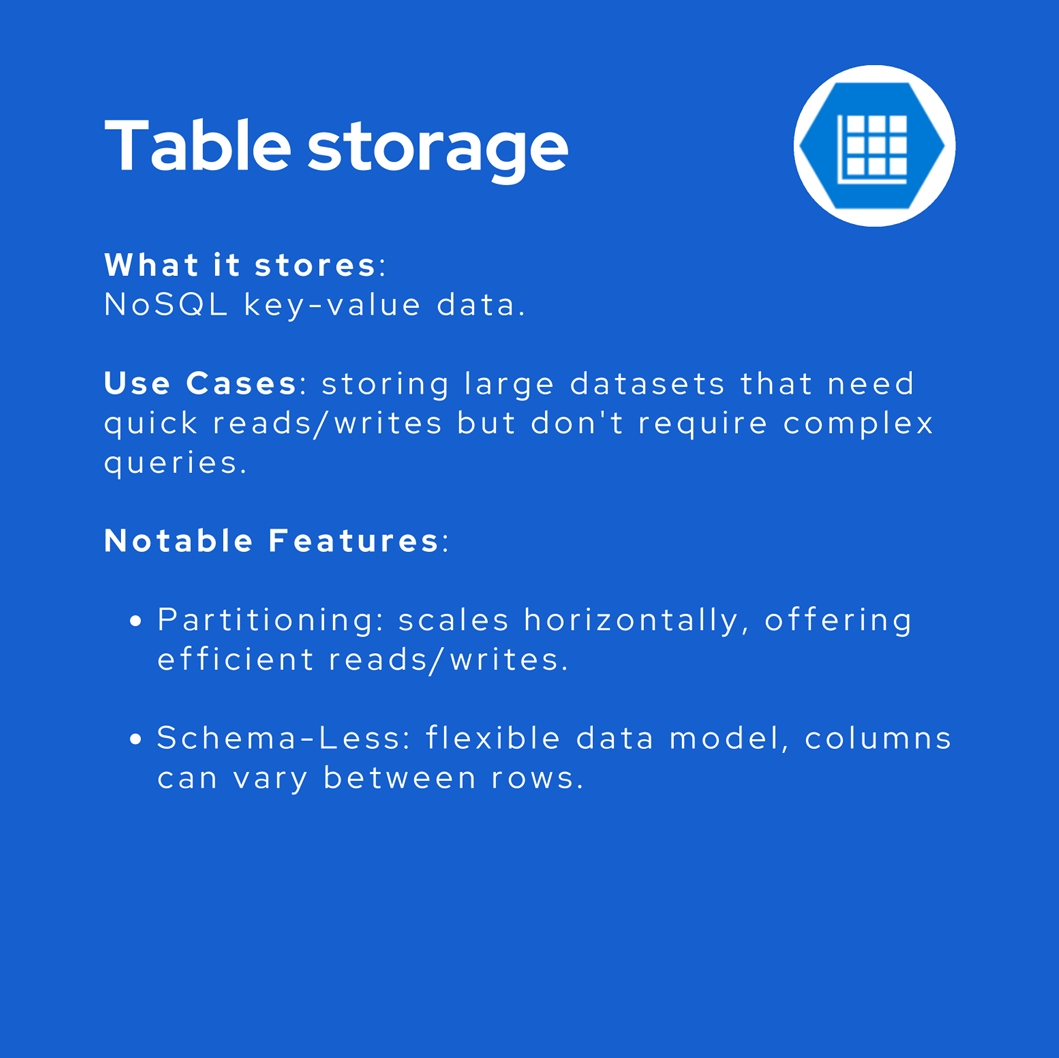
4️⃣ Table Storage
What it stores: NoSQL key-value data.
Use Cases: storing large datasets that need quick reads/writes but don't require complex queries.
Notable Features:
- Partitioning: scales horizontally, offering efficient reads/writes.
- Schema-Less: flexible data model, columns can vary between rows.
🔑 Security
Encryption at Rest:
Data is encrypted by default. You can manage the keys or let Azure handle it.
Access Keys:
Each storage account has two access keys. They provide full access - use them securely, usually just in backend configuration.
Shared Access Signatures (SAS):
Grant limited, time-bound access to specific resources (e.g., a blob). Helps reduce exposure of your primary access keys.
Role-Based Access Control (RBAC):
In Azure, you can manage the access to storage by assigning specific Blob roles.
💲 Pricing
It's pay-as-you-go. Charges depend on:
🔹 Storage Tiers (Hot, Cool, Archive):
- Hot storage costs more per GB stored but is cheaper to access.
- Cool storage is cheaper to store but more expensive to access (ideal for infrequent reads).
- Archive is the cheapest storage but with higher retrieval costs and potential delays.
🔹 Data Transactions: reading / writing data incurs transaction costs.
🌐 Find more information by the official documentation:
Storage Account Overview - Azure Storage | Microsoft Learn