Mastering Regular Expressions in .NET
Regex might look like gibberish at first - but once understood, it's a superpower for pattern matching, data extraction, validation, and transformations.
In .NET, it's backed by a powerful engine (System.Text.RegularExpressions) and tools that make it practical, fast, and safe to use.
Here's a quick tour of Regex - from basics to modern .NET optimizations:
🔍 What is Regex?
A compact mini-language for matching patterns in text:
\d{3} → any 3-digit number
[A-Z]\w+ → word starting with uppercase
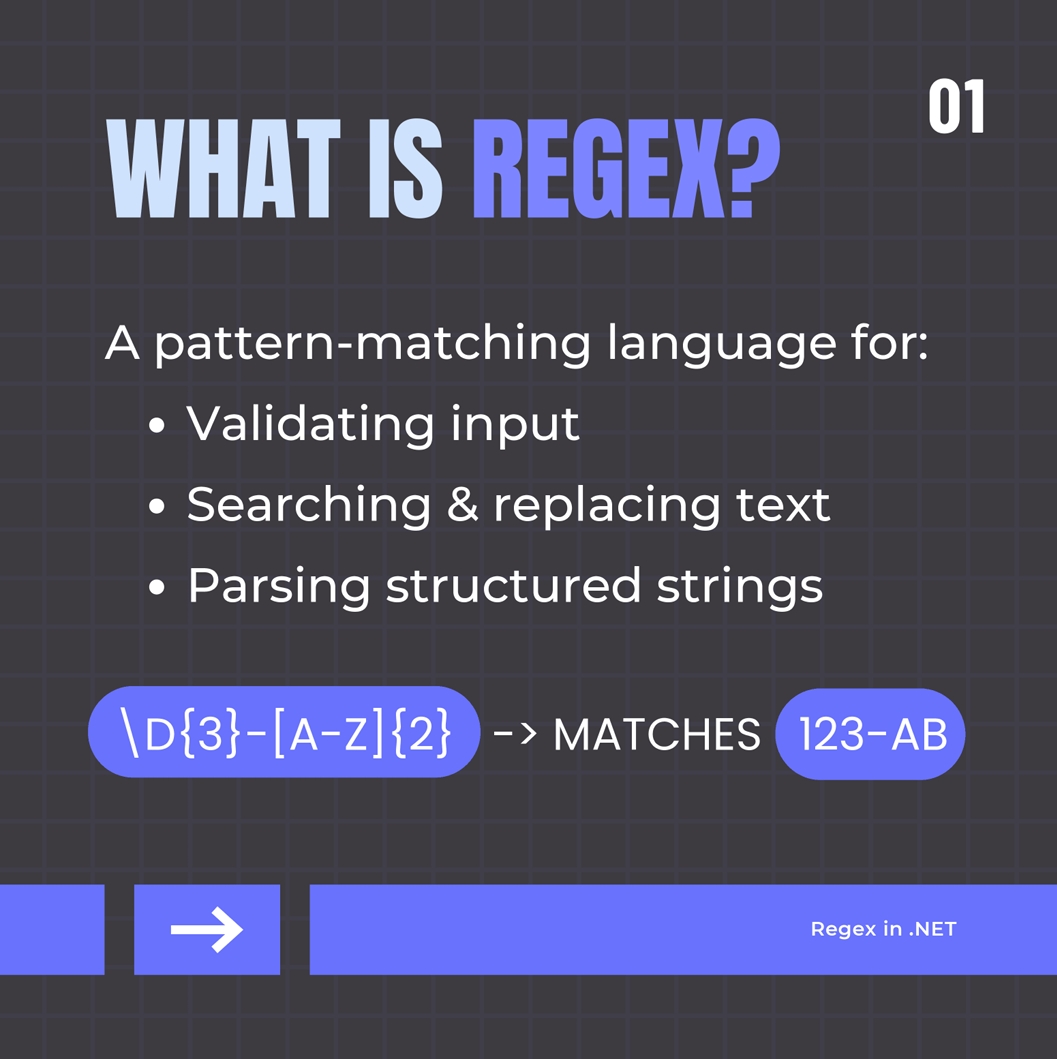
Used for:
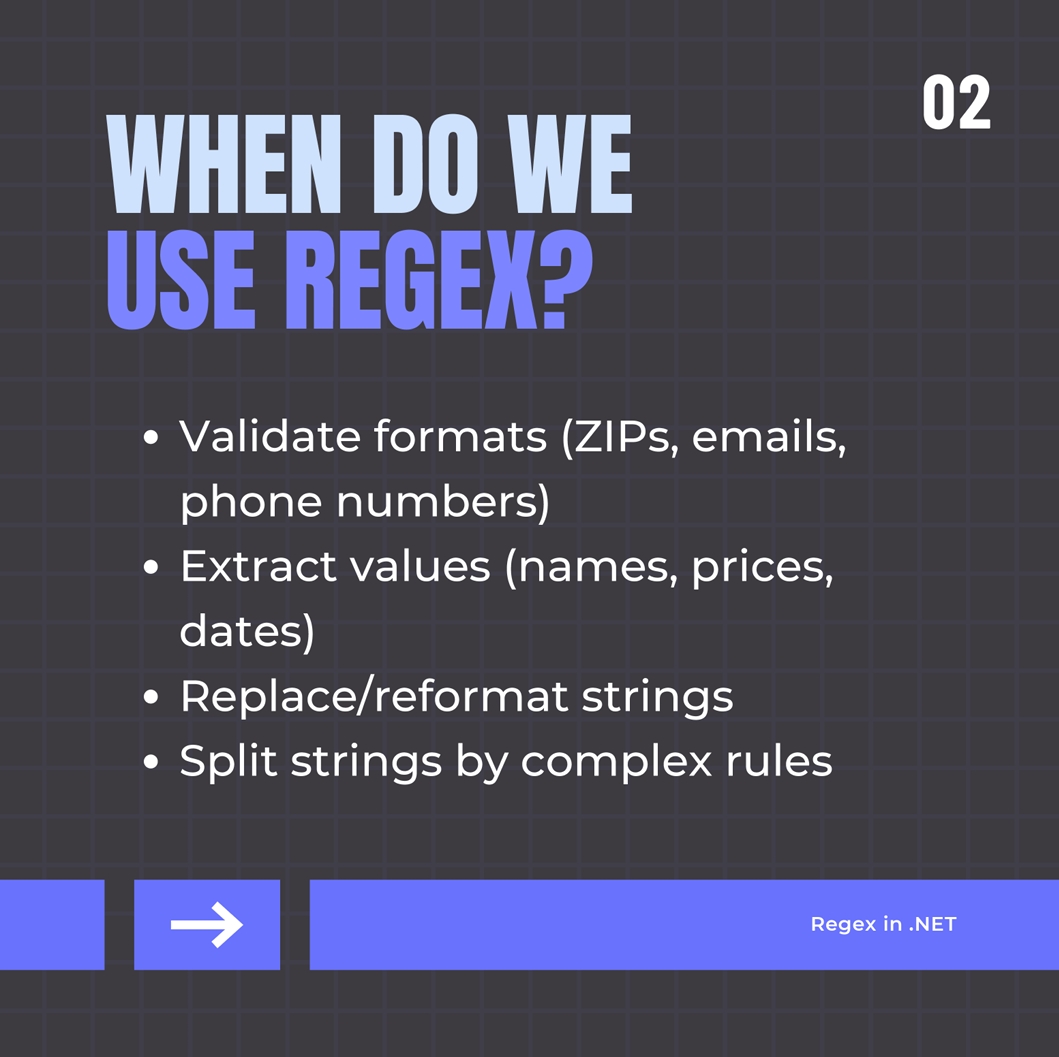
- Validation (e.g., ZIP, email)
- Search/Extract (e.g., names, tags)
- Replace (e.g., reformatting dates)
- Splitting by complex delimiters
🧠 Core Regex in C#
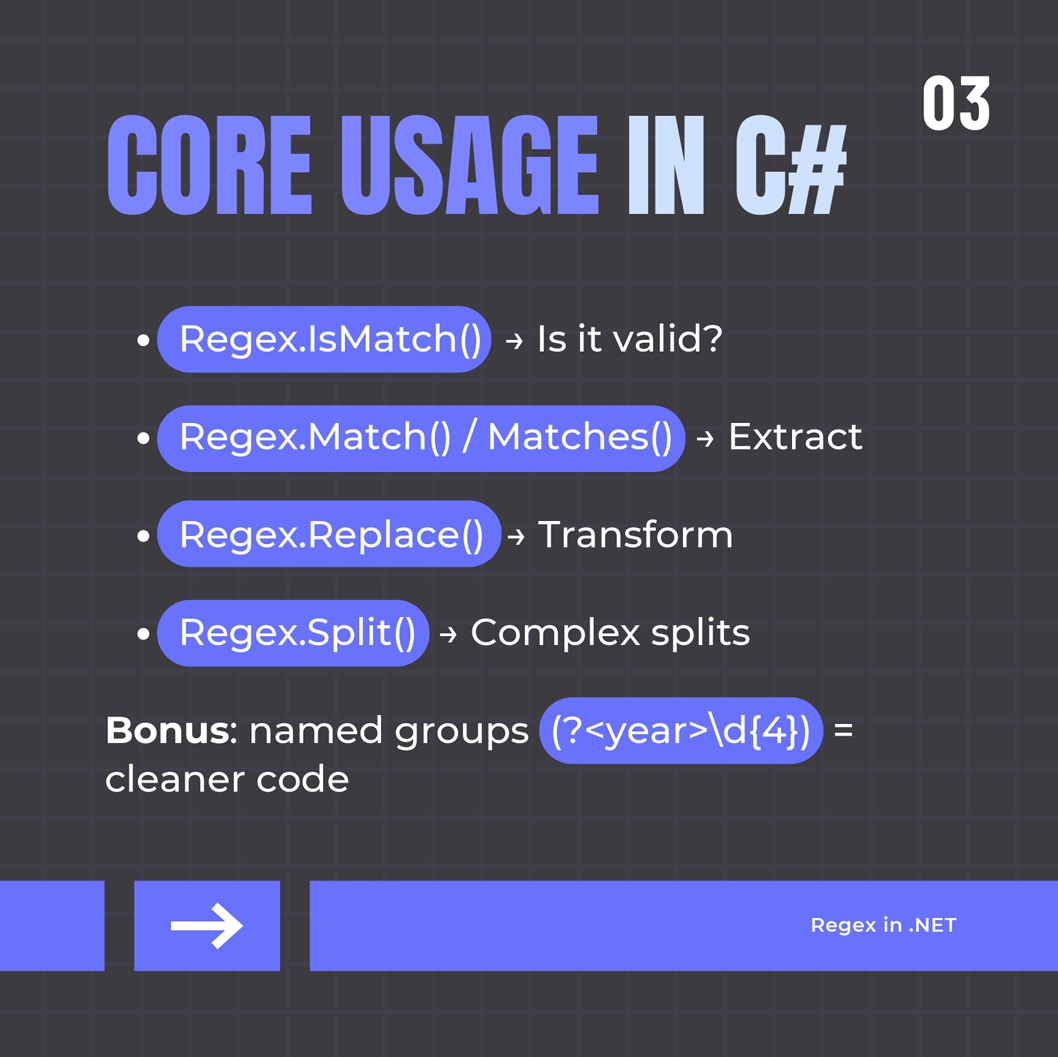
Regex.IsMatch() → does it match?Regex.Match() / Matches() → find and extractRegex.Replace() → transform with capture groupsRegex.Split() → advanced text splitting- Named groups (
(?<year>\d{4})) boost readability.
- Verbatim strings (
@"\d+") make patterns easier to write.
✅ Best Practices
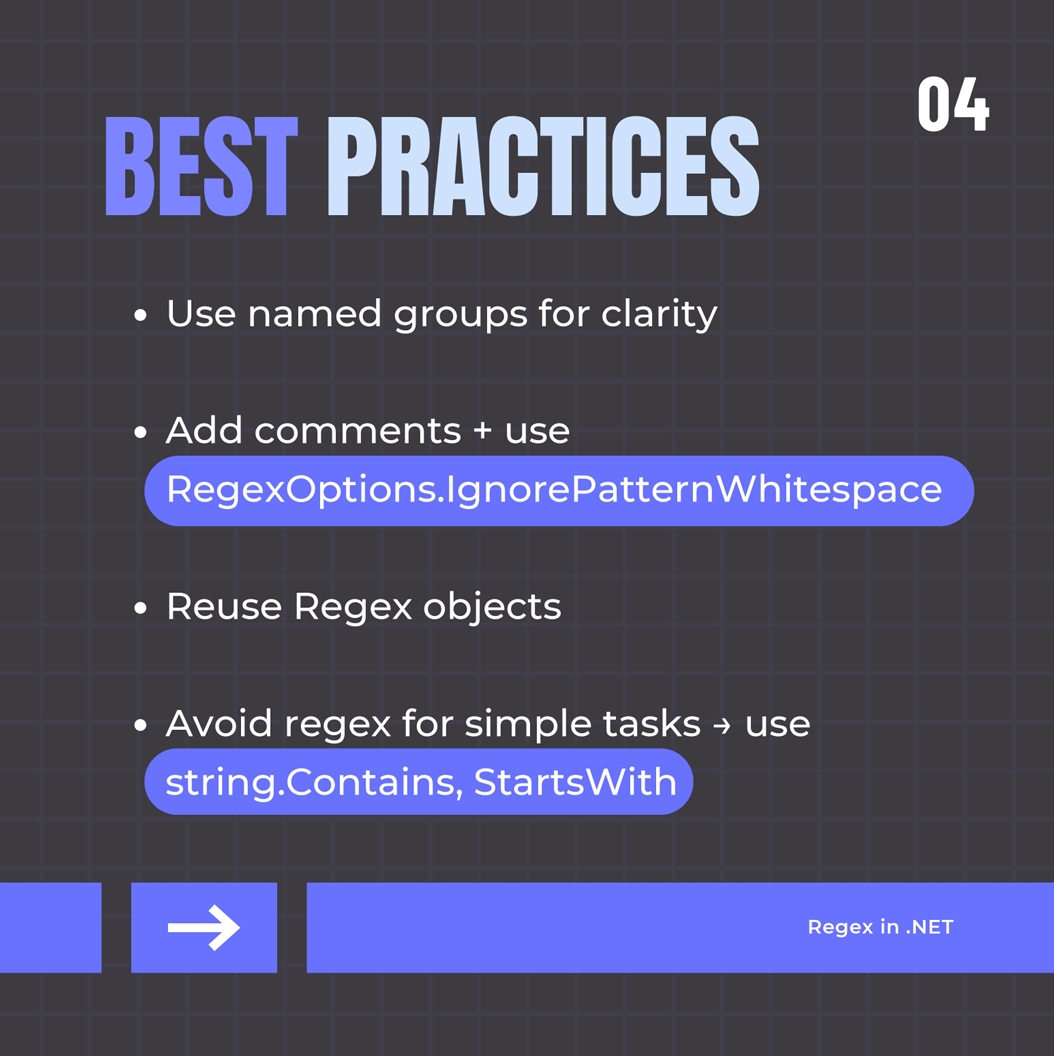
- Use
RegexOptions.IgnorePatternWhitespace + comments for clarity.
- Reuse Regex instances or stick to static methods (they're cached).
- Document patterns & write unit tests for them.
- Use string methods (
Contains, StartsWith) when regex is overkill.
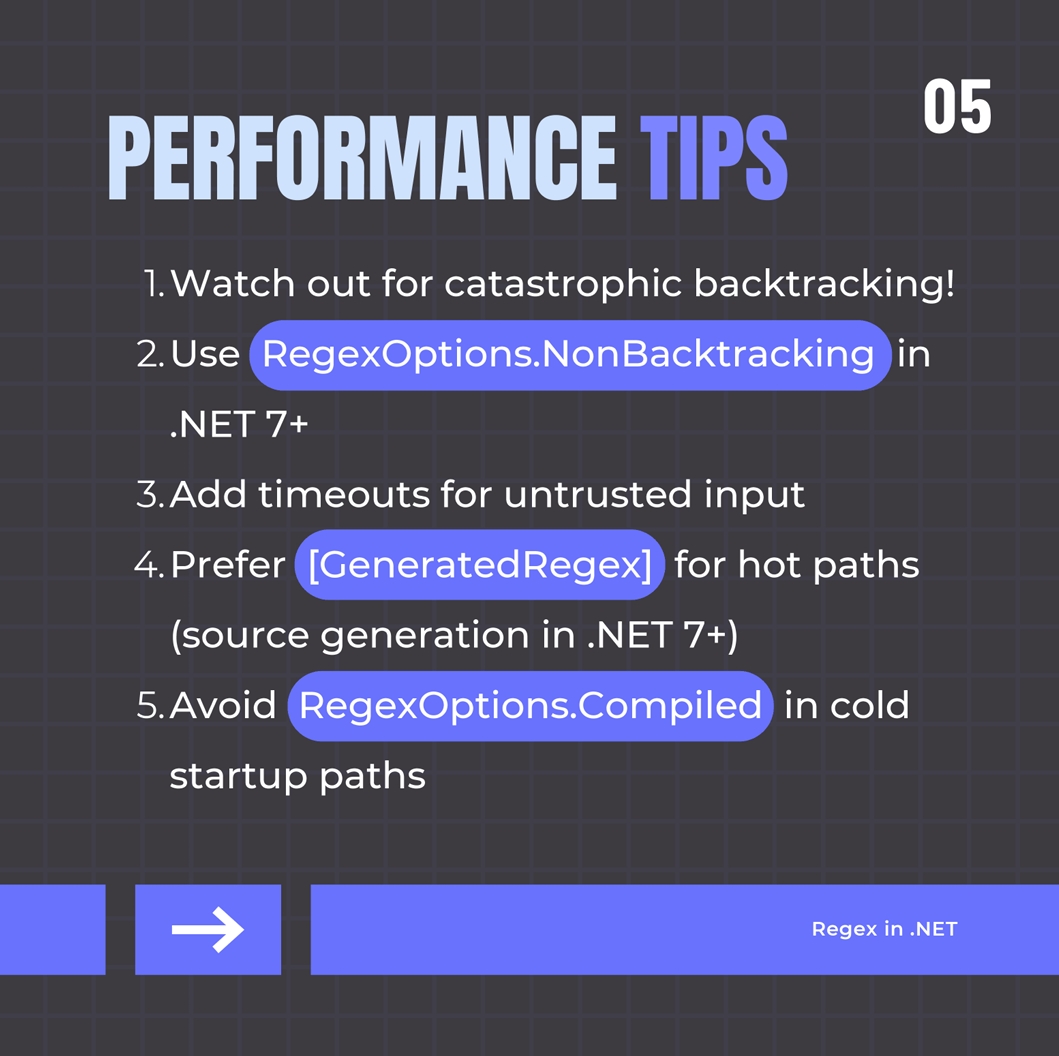
- Beware catastrophic backtracking (especially on nested quantifiers).
- Use
RegexOptions.NonBacktracking (.NET 7+) for guaranteed linear performance (no backreferences/lookaheads).
- For untrusted input, always set a timeout.
- Prefer
RegexOptions.Compiled for reused patterns (in .NET 6 and earlier).
- In .NET 7+, use
[GeneratedRegex] for source-generated regex at build time - fastest and AOT-compatible!
🧪 Debugging Tips
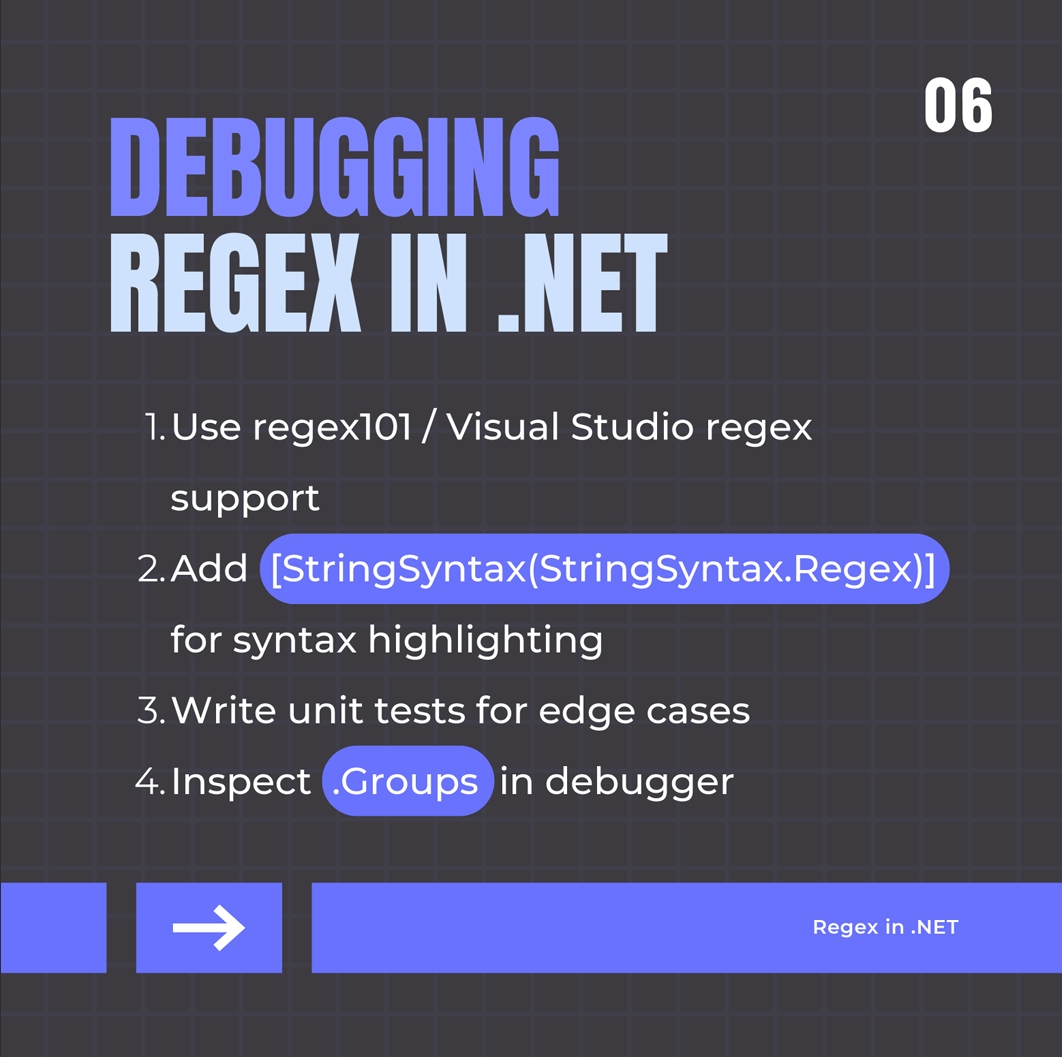
- Use tools like regex101.com to visualize patterns.
- In VS, mark string literals with
[StringSyntax(StringSyntax.Regex)] for IntelliSense and validation.
- Inspect
Match.Groups in debugger.
- Test edge cases with unit tests.
⚠️ When NOT to use Regex
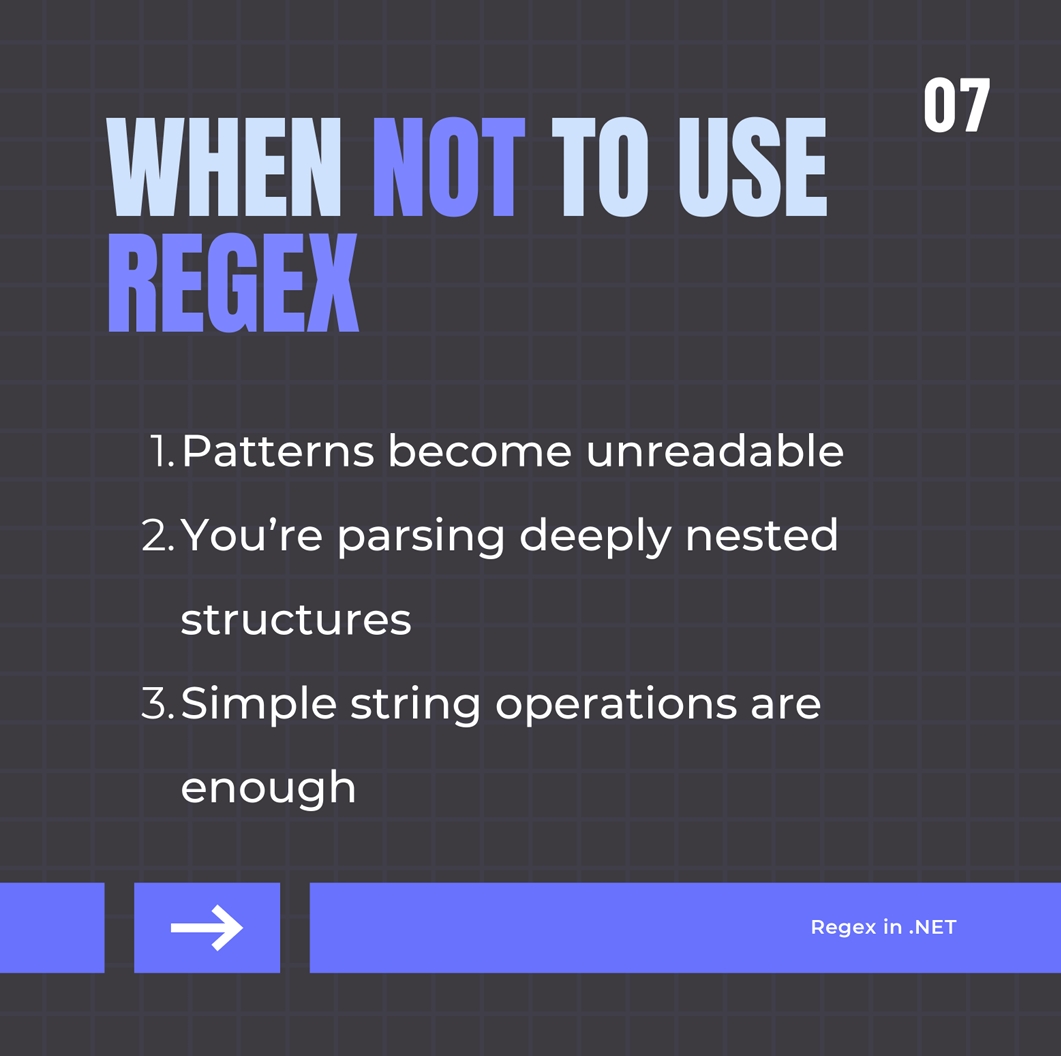
- If it's becoming unreadable spaghetti: consider splitting the logic.
- Avoid for deeply nested or recursive parsing (use parsers instead).
- Sometimes string methods or small step-by-step parsing is clearer.
Final Thought
Regex in .NET is no longer a dark art. With features like source generation, better IDE support, and performance guards, it's a production-grade solution - when used wisely.